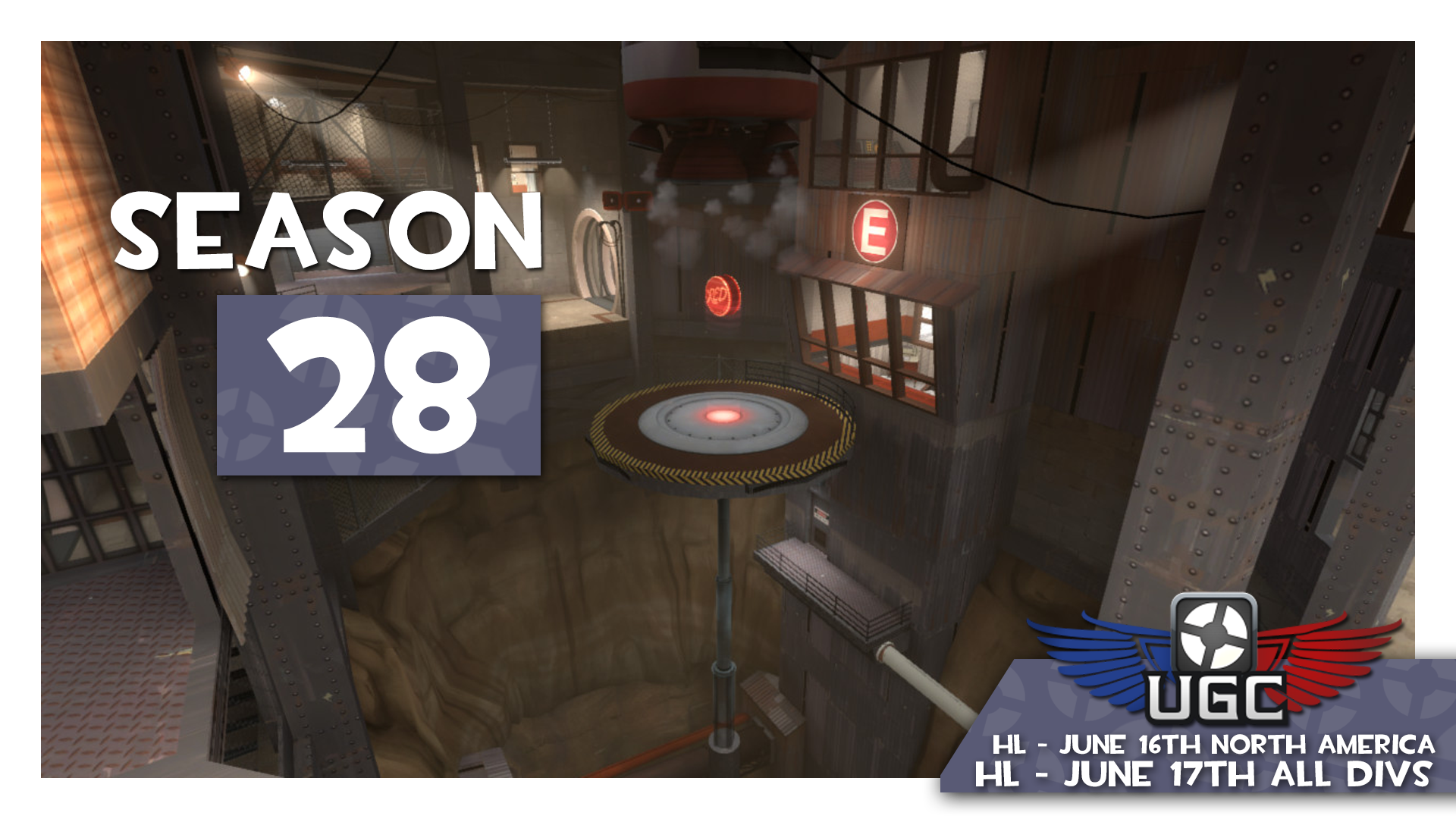
Upward is a "stopwatch" map. Stopwatch maps are played in 2 or 3 separate Match-rounds where each team attacks once in each Match-round. Each Match-round awards one (1) match-point to the team with the shortest offensive time. The Home team has choice whether to attack first or defend first in the first match-round only, alternate thereafter.
Match-round 1:
Team A attacks and Team B defends,
Team B attacks and Team A defends
Match-round 2: Teams manually switch sides.**
Team B attacks and Team A defends,
Team A attacks and Team B defends.
Match-round 3 (if needed as a tiebreaker): Teams manually switch sides again.**
Team A attacks and Team B defends,
Team B attacks and Team A defends.
Scoring: When adding scores, each Match-round won by a team counts as 1 point. The first team to win two Match-rounds wins the entire match.
Overtime: If each team wins a Match-round (scores are tied at 1-1), the third full Match-round is played as a tiebreaker, with teams alternating sides one more time.
**If the config is not manually re-executed, it will automatically switch teams to the correct side at the start of the round, which is why you need to manually switch sides before the start of the next Match-round..
Possible match scores are 2-0 or 2-1.
Map Execution (for server operators only)
Authenticate to your server with rcon_password ( rcon_password myP4ssw0rd).
Execute ugc_HL_stopwatch.cfg from the developer console ( rcon exec ugc_HL_stopwatch.cfg ).
Reload the map. This is necessary for sv_pure to take effect and for Source TV to start recording ( rcon changelevel pl_upward).
Re-execute the ugc_HL_stopwatch.cfg to start a fresh log file and make sure everything is in order.
Special note to CEVO participants: I have personally run across two cases where, if a CEVO config was executed previously and without a server restart, the CEVO config will corrupt the UGC configs where match-halves may end prematurely. My advice is to authenticate to your server (Step 1), then execute ugc_off.cfg (rcon exec ugc_off.cfg), then restart your server (rcon _restart), then begin the regular steps above, starting from Step 1 all over again.
Caution: There is a hold in BLU's first spawn near the foothill doorway. Hitscan weapons (like the sniper rilfe) pass through this. Do not exploit this vulnerability. It is not allowed. At no point in time are teams allowed to shoot into BLU's spawn or out of BLU's spawn through this glitch in the map (showcased here).
Final reminder
Please submit your scores ASAP after each match so playoff brackets
can be scheduled for both Mondays and Thursdays.


 Join UGC Discord


 BattleNet Login - OW